Jobber vs Housecall Pro 2026: Which One Wins?
Jobber vs Housecall Pro
Jobber and Housecall Pro are the two most recommended field service platforms for small businesses, and the overlap between them creates genuine confusion. Both handle scheduling, dispatching, invoicing, and client communication. Both target the same market. The differences come down to execution details and what your business actually prioritizes.
Pricing
Jobber starts at $49/month (Core, 1 user), with Connect at $129/month (up to 5 users) and Grow at $249/month (up to 15 users). Additional users cost $29/month.
Housecall Pro starts at $65/month (Basic, 1 user), with Essentials at $169/month (up to 5 users) and MAX requiring a custom quote for larger teams. Additional users on Essentials cost $40/month.
Jobber is cheaper at every comparable tier. For a 5-person team, the annual difference is roughly $480 to $600 depending on plan selection. Not trivial for a small business.
Scheduling and Dispatch
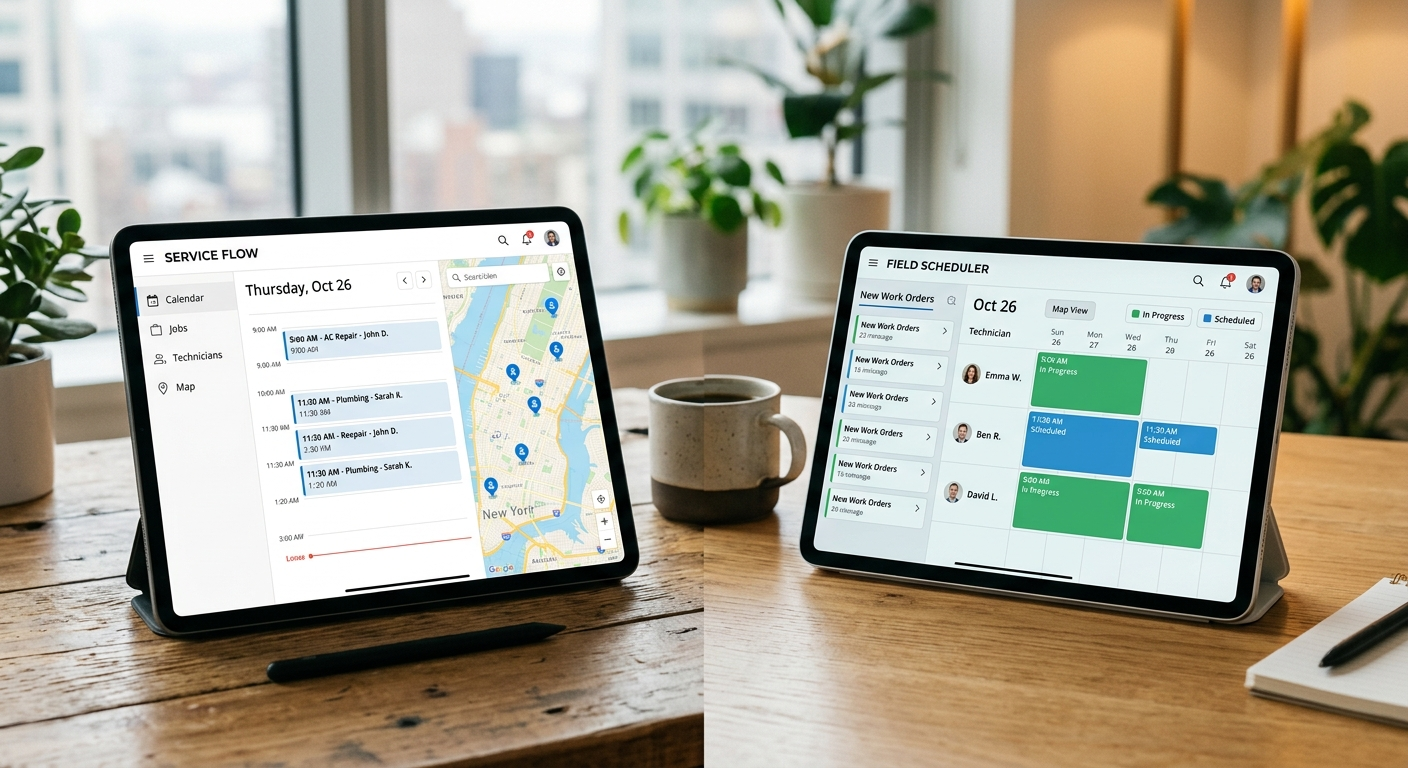
Both platforms offer drag-and-drop scheduling with calendar views and technician assignment. Jobber’s interface is cleaner and faster to navigate. Housecall Pro’s scheduling includes a GPS-based dispatch feature that suggests the nearest available technician, which Jobber lacks in its native toolset.
For pure scheduling ease, Jobber wins. For dispatch optimization in a multi-tech operation, Housecall Pro has the edge.
Invoicing and Payments
Jobber’s invoicing workflow is tighter. Quote to job to invoice happens in a natural sequence with minimal clicks. Batch invoicing handles recurring services cleanly. Payment processing runs through Jobber Payments with competitive rates.
Housecall Pro offers similar invoicing basics but adds instapay, which lets you receive funds faster for a fee. Their integration with financing options like Wisetack allows customers to pay in installments. If your average ticket is above $500 and financing drives conversions, this matters.
Mobile App
Both apps are functional in the field. Jobber’s app is lighter and loads faster on older devices. Housecall Pro’s app includes on-my-way texts to customers, in-app chat with the office, and real-time GPS tracking. The feature gap on mobile favors Housecall Pro, but the performance gap favors Jobber.
If your technicians use current phones on decent networks, Housecall Pro’s mobile features are genuinely useful. If your crew uses older devices or works in areas with spotty signal, Jobber’s lighter footprint matters more.
Customer Support
Jobber provides phone, email, and chat support across all plans. Response times are consistently good and their knowledge base is well-organized.
Housecall Pro limits phone support to higher tiers. Basic plan users rely on chat and email, where response times can stretch during peak hours. The support quality is fine when you reach someone, but access on the lower tier is a real limitation.
Marketing Features
Housecall Pro includes built-in postcard marketing, automated review requests, and a basic website builder. Jobber added review request automation in recent updates but does not match the breadth of Housecall Pro’s marketing toolkit.
If generating reviews and running direct mail campaigns matters to your business, Housecall Pro ships those features natively. Jobber requires third-party tools for the same outcomes.
Verdict
Choose Jobber if you prioritize clean scheduling, faster invoicing workflows, lower cost, and reliable mobile performance on any device. It is the better tool for businesses that want to handle the operational basics without clutter.
Choose Housecall Pro if you need dispatch optimization, customer financing, built-in marketing tools, and richer mobile features for your technicians. The higher price buys capabilities that Jobber handles through workarounds or third-party integrations.
For a crew under 5 people doing residential work, Jobber is the stronger value. For a growing operation that wants marketing and financing baked in, Housecall Pro delivers more out of the box.